


Best Horror Games On Itch.io – July 2026
Across a bounty of subgenres.![Haze Seas Accessories Tier List [Best Accessories to Equip]](/wp-content/uploads/2026/07/haze-seas-accessories-tier-list.jpg "Haze Seas Accessories Tier List [Best Accessories to Equip]")
Haze Seas Accessories Tier List [Best Accessories to Equip]
The accessories with the best stat buffs in Haze Seas.
![[Roblox] Evomon Shiny Hunting Guide – Including Prismatic and Pris Shinies!](/wp-content/uploads/2026/06/evomon-shiny-hunting-guide.jpg "[Roblox] Evomon Shiny Hunting Guide – Including Prismatic and Pris Shinies!")


Rogue Ninja Controls Guide – PC and Controller
Our Rogue Ninja Controls guide goes over every control prompt for both PC and consoles, including how to change the controller settings!


- Prefer Gamezebo on Google

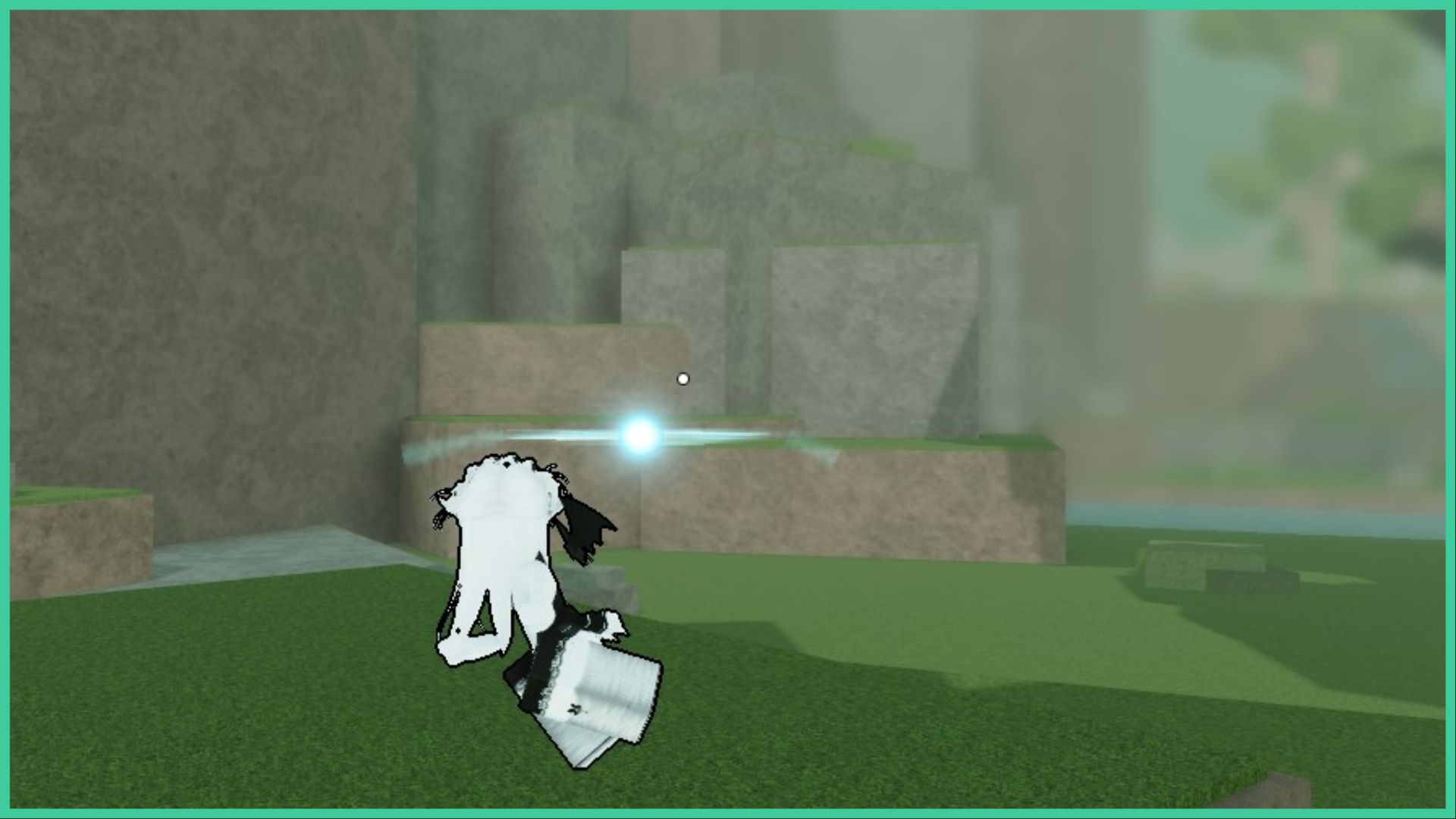
Dominate a fight by becoming a pro with the Rogue Ninja controls! Whether you’re on PC or console, or you just like using controllers, every control is listed below.
Visit the Rogue Ninja Roblox page to get stuck into the action. We also have a Rogue Ninja Characters guide to help you pick the best one for you, and a Rogue Ninja Codes guide that rewards you with free coins that you can then use to unlock more characters!
Rogue Ninja Controls
Knowing which buttons to press when you’re in the heat of battle can sometimes be a scramble! Rogue Ninja is a fast-paced fighting game, so it can be difficult to spot the button prompts when they appear mid-combat. The game supports both mouse and keyboard controls, as well as controllers. I’ve written down the controls for both options, including brief descriptions as to what each move does.
If you have a controller connected to your PC at all times, but you wish to play with a mouse and keyboard, you need to disconnect it otherwise the game. This is because it will permanently display the controls for the controller while playing (trust me, I thought my game was bugged for a while!). You can switch between both options by clicking the controller icon in the top right of the screen.
PC Controls
Opting for a mouse and keyboard on a PC? No problem!
- Ability 1
- Number key ‘1’ on your keyboard
- Uses energy
- Ability 2
- Number key ‘2’ on your keyboard
- Also uses energy
- Ultimate Ability
- G key
- You have to wait until the red bar is full before you can use your Ultimate ability!
- Attack
- M1 on your mouse
- Ranged Attack
- M2 on your mouse
- Charge Energy
- C key
- Replenish your energy
- Dash and Evade
- Q key
- Avoid attacks, get away from opponents to recharge your energy, or travel faster when trying to reach a battle
- Block
- F Key
- Defend yourself against oncoming attacks
- Jump
- Spacebar
- Jump up onto hills and rocks so you can send attacks down onto your enemies
- Pick Up
- V key
- Pick up an enemy that has been knocked down
- Execute
- B key
- Defeat a downed enemy, earning yourself a kill – this rewards you with in-game coins!
- Make sure to hold down the B key as it needs to charge up as you execute your opponent – this can be tricky if there are other opponents around you
Controller Controls
Playing on a console, or do you just prefer playing PC games with a controller? Use these controls then!
- Ability 1
- LB button
- Ability 2
- L2 button
- Ultimate Ability
- Wait for the red bar underneath your green HP bar to fill up!
- Normal Attack
- X
- Ranged Attack
- Press the right thumbstick
- Charge Energy
- Y button
- Dash and Evade
- B button
- Block
- Left trigger on your controller
- Jump
- A button
- Pick Up
- Left on your controller’s D-pad
- Execute
- Right on your controller’s D-pad

More articles...
-
Best Horror Games On Itch.io – July 2026
Across a bounty of subgenres. -
Haze Seas Accessories Tier List [Best Accessories to Equip]
The accessories with the best stat buffs in Haze Seas.