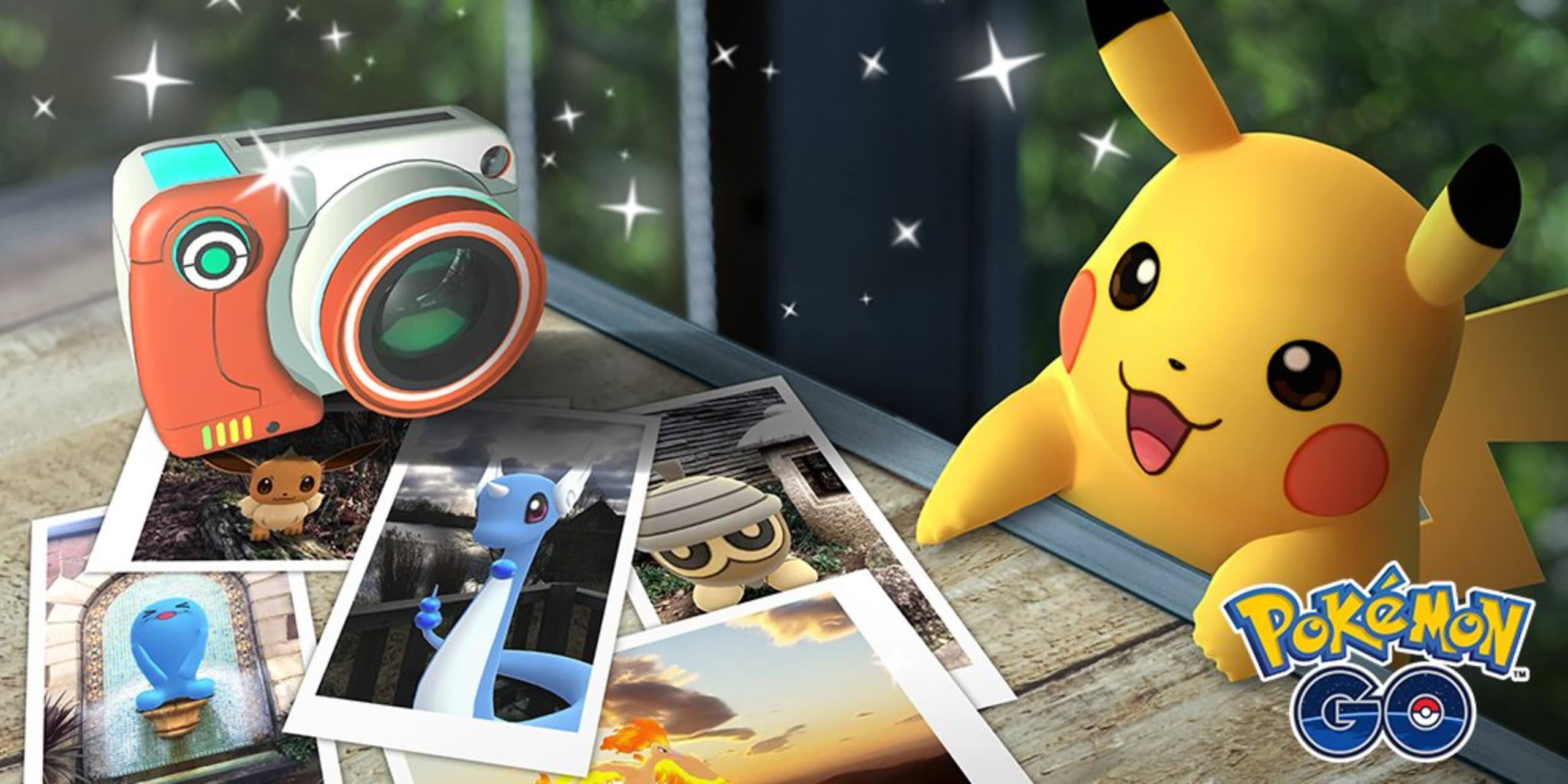
Trainers, #GOsnapshot is now live for level 5 Trainers on Android devices! Level 5 will be the minimum level for Trainers to access this feature. Trainers on other devices, stay tuned! pic.twitter.com/47RVFh4PpD
— Pokémon GO (@PokemonGoApp) February 21, 2019

- Unseen Liminality is an unusual bit of Roblox horror, in that it actually got me once or twice. I’ve put some hours into this Kane Pixels’ Backrooms-themed horror title recently, and while it’s in its early stages of development, it …
Best Horror Games On Itch.io – June 2026
By Adele Wilson
Across a bounty of subgenres.Summon Heroes Tier List – Best Units
By Adele Wilson
Summon the best heroes.Cursed Blade Races – Variants Ranked
By Adele Wilson
Seven races with three variants each.
Pokémon GO: GO Snapshot Tips and Tricks to Take the Best Photos in the Wild
Taking photos of wild pokémon has been a feature since Pokémon GO’s launch, but now you’ll be able to position and pose pokémon you’ve already caught with the new Snapshot mechanic! Firstly, you’ll need to be an Android user. Sorry, …

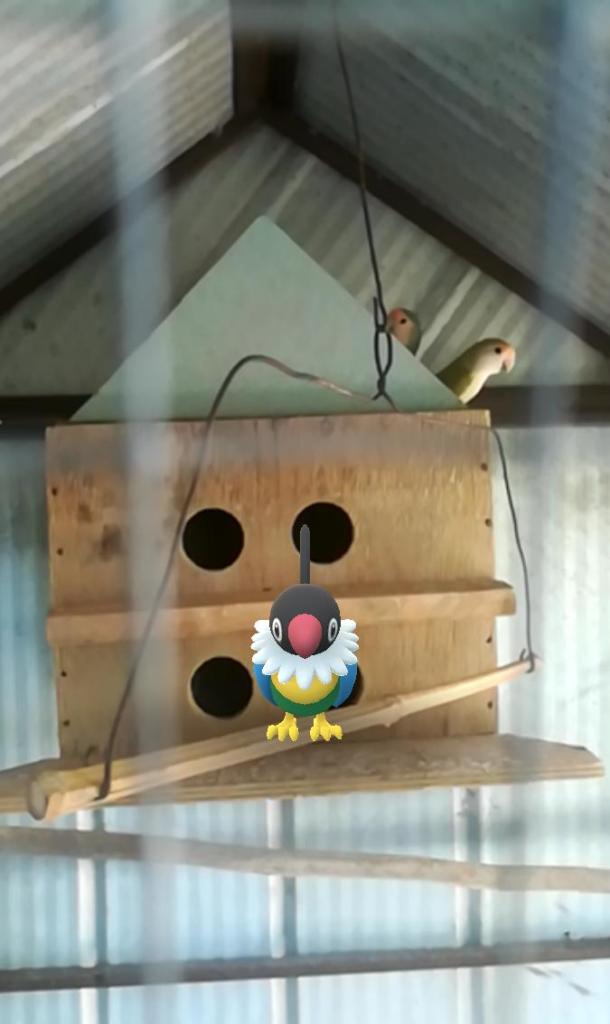
Taking photos of wild pokémon has been a feature since Pokémon GO’s launch, but now you’ll be able to position and pose pokémon you’ve already caught with the new Snapshot mechanic!
Firstly, you’ll need to be an Android user. Sorry, iOS owners! Niantic has confirmed that your version will be coming soon, but it looks like you’ll have to wait. For Android users, here are the steps you should take:
- Be level 5: To access this feature, you’ll first of all need to be level 5. If you aren’t already, this is easily achieved by catching a lot of pokémon.
- Tap the camera icon: tap on your chosen pokémon, then on the camera icon in the top right. Or, find your camera in the items pouch and then select your pokémon.
- Place and pose your Pokemon: The yellow footprints that will appear onscreen are an indication of what the AR considers the ground, so that’s where your pokémon will appear. Swipe them to make them face your direction, and tap on them to trigger their animation.
- Experiment with the best angle: Simply move around your pokémon to work out the perfect shot – try different angles, close-ups or wide shots. Get creative!
- Hold the snap button for frame-perfect photos: If you want a shot of your pokémon during a specific frame of their animation, hold down the snap button to create a flurry of photographs that capture every frame.
- Share your shots to social media! You’ll have the oppertunity to share your photos directly to your social accounts after you exit camera mode. You don’t have to, however. Every snap is automatically saved onto your device’s memory for you to share later.

And there you have it! It’s so easy to do, and we can only imagine that there will be more features added in the future. Get out there and start snapping!
More articles...
Unseen Liminality Walkthrough
By Meriel Green
Unseen Liminality is an unusual bit of Roblox horror, in that it actually got me once or twice. I’ve put some hours into this Kane Pixels’ Backrooms-themed horror title recently, and while it’s in its early stages of development, it …Best Horror Games On Itch.io – June 2026
By Adele Wilson
Across a bounty of subgenres.Summon Heroes Tier List – Best Units
By Adele Wilson
Summon the best heroes.Cursed Blade Races – Variants Ranked
By Adele Wilson
Seven races with three variants each.