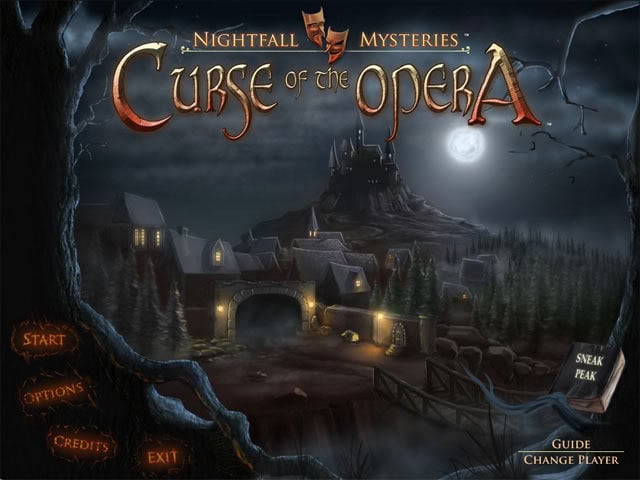
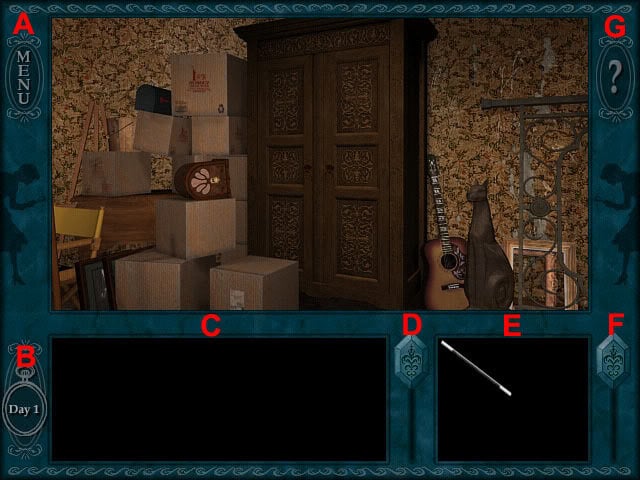
Welcome to Gamezebo's walkthrough for Nightfall Mysteries: Curse of the Opera. General Information Main Menu The Change Player button at the bottom-right corner of the main menu displays the profile window. Select the New button to create a new profile, the Delete button to delete the selected profile from the list or the Done button to to exit the profile window with the selected profile. The Start button starts the game with the currently selected profile. The Options button display...
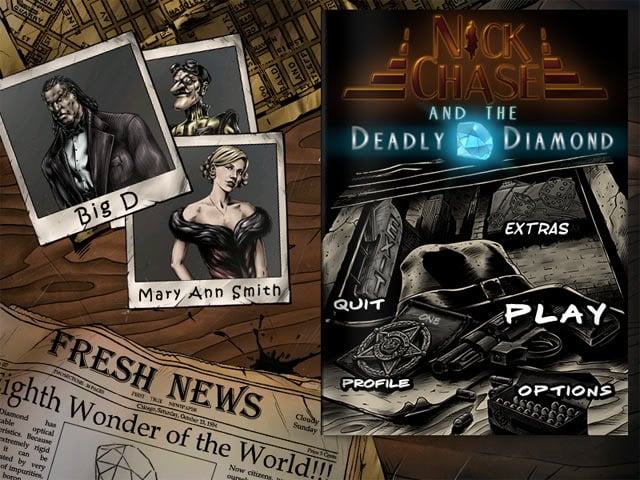
Welcome to Gamezebo's strategy guide for Nick Chase and the Deadly Diamond. General Information Main Menu The profile selection allows you to add new players and delete current players. Select the Add button to create a new profile or click the bin icon to delete a player from the list. Up to six player profiles can be created. Select OK to select a new profile or Cancel to exit the window with the previously chosen profile. The Play button starts the game with the currently selected ...
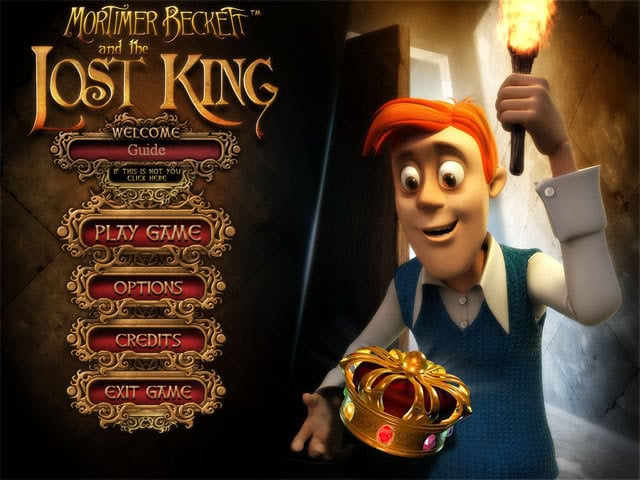
Welcome to Gamezebo's walkthrough for Mortimer Beckett and the Lost King. General Information Main Menu The name of the currently selected player is displayed below the title. To change this, click the black button below the name of the player to display the players window. In the player window, up to five players can be added, selected or deleted. The Play Game button displays the play game window, where there are options to resume the game from a current point that a player ha...
Welcome to Gamezebo's walkthrough for Nancy Drew: The Final Scene. How to Play Controls The cursor will change into different icons when it moves over interactive areas on the playing area. Left click the mouse to perform an action when an icon is shown. The default cursor is the magnifying glass, which will glow red when it is moved over an area that can be examined more closely. The directional arrows forward, back, up, down, left, right and half turn will move Nancy in those dire...
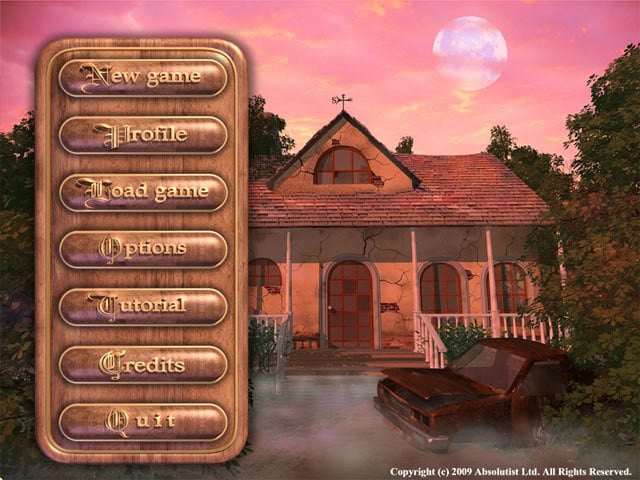
Welcome to Gamezebo's walkthrough for Green Moon.General Information Main Menu The New Game button starts the game with the currently selected player profile. The Profile button allows new profiles to be added and existing profiles to be selected. The Load Game button shows a list of saved games that can be selected. The game is also automatically saved at various points of the adventure. The Options button displays a window where the sound and music volume can be changed. There is a...
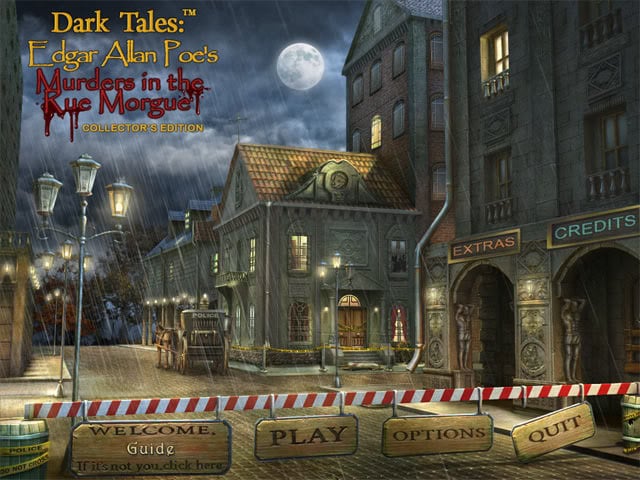
Welcome to Gamezebo's walkthrough for Dark Tales: Edgar Allan Poe Murders in the Rue Morgue. General Tips Main Menu The left button displays the name of the current player. To change players, select the left button to display the profile selection. The profile selection allows you to add new players and delete current players. Select New to add a new player to the list, OK to select a player and Delete to remove a player from the list. The Play button displays the playing mode window...